is this you right now?
Worried You Could Lose Your Instagram/Facebook Page Overnight?
You’ve worked so hard to build your audience… but one weak setting on your account can send it straight into the hands of a scammer - And Poof 💨 It’s gone.
A Few simple things can stop this happening.
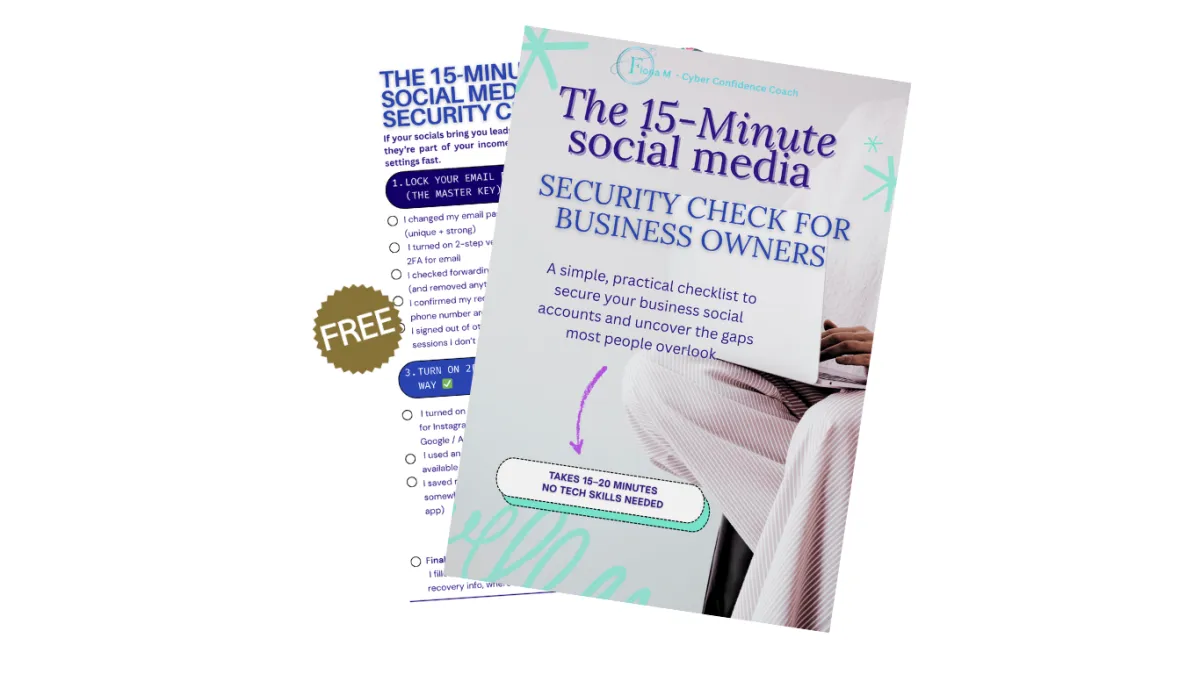
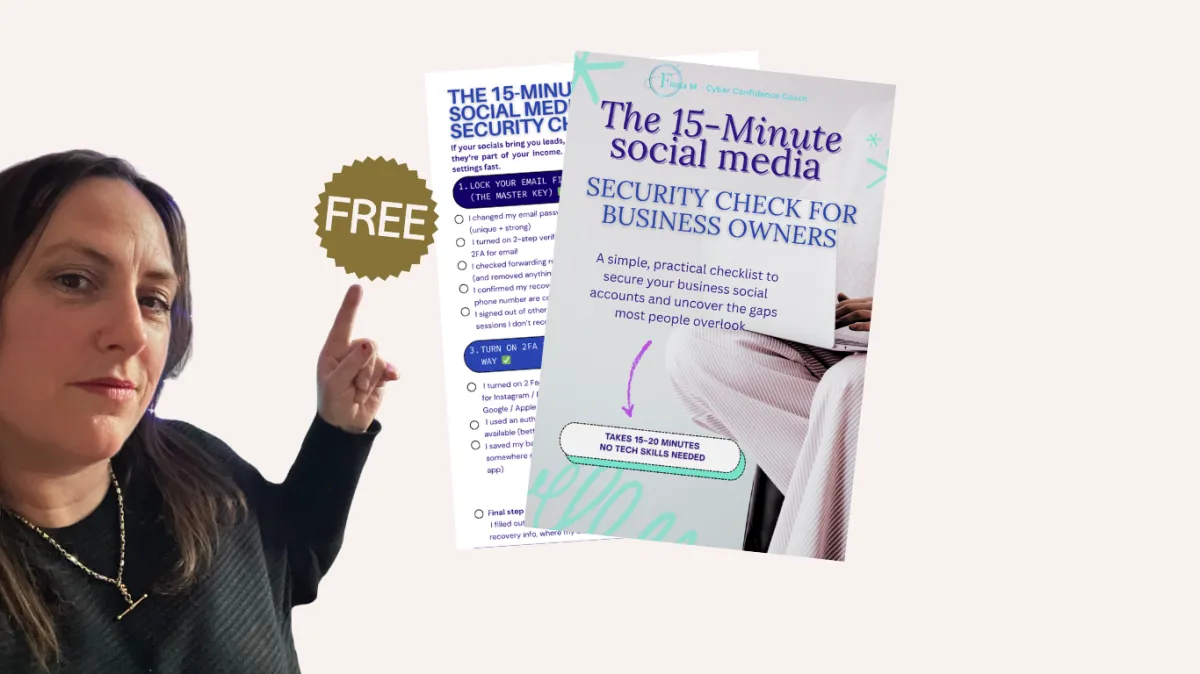
Grab my 15-minute Social Media Security Checklist and tighten those key settings fast
(no tech skills needed).
When you use it, here's what changes:
✅ More control - email, Social Media passwords, 2FA, and more
✅ Less panic - you'll know exactly what to do if something goes wrong
✅ More peace of mind - the key settings are locked down
A simple 15-minute checklist to help you lock down your social media accounts without feeling overwhelmed or “techy.”
Steal my proven process that's used to tighten the key security settings most people miss.
Your next ‘phew’ moment is closer than you think.
PEACE OF MIND DOESN’T HAPPEN BY ACCIDENT…
Most people don’t lose their accounts because they’re careless, they lose them because they’re busy. And it only takes one weak setting (reused passwords, missing 2 Factor Authentication the code sent by Text or authenticator App, old admin access) for someone to get in.
Without a simple checklist, security stays “on the to-do list”… until it’s urgent.
And by then, you’re stressed, locked out, and trying to fix it under pressure.
The people who keep control of their pages aren’t more techy, they’ve just done the right security steps in the right order.
That’s exactly what this free resource helps you do.
This freebie is for you... IF
You want peace of mind and control of your accounts, not crossing your fingers and hoping you don’t get hacked
You’re tired of hearing hacking horror stories and thinking “I really should sort my settings…” (but never getting round to it)
You want a simple step-by-step check you can repeat anytime (especially after changing phones or passwords)
You value clarity and simplicity over complicated tech talk
You’re ready to lock down the key settings in 15–20 minutes and feel that “phew, done” moment
Social Media doesn't have to feel complicated.
The 15–20 Minute Social Media Security Check
(For Business Owners)
You'll learn how to:
✔️ Lock down your email (the master key) without feeling overwhelmed
✔️ Fix passwords + set up a simple system using a clear, repeatable process
✔️ Turn on two-step verification (2FA) the right way so you don’t get locked out later
✔️ Remove risky access (devices, apps & admin roles) in a way that feels simple and doable
Keeping your social media safe doesn’t have to feel complicated
I'll send it right away.
Hey! I'm Fiona
I help busy solopreneurs reduce the risk of getting hacked or locked out, without needing to be "techy."
I worked in IT/security for the last 2 decades, and I'm all about practical, jargon-free steps that real people will actually do.
The truth is… I used to think "this won't happen to me" too.
But I keep seeing business owners lose their Instagram or Facebook pages over a handful of settings that are easy to miss when you're juggling everything else.
Most of it comes down to:
• Email security
• Weak or reused passwords
• Two-step verification (2FA) not set up properly
• Old devices and dodgy apps still connected
So I created a simple 5-step checklist that closes those gaps in 15–20 minutes.
No fluff. No tech-speak. Just the settings that actually matter, in the order that makes sense.
WHEN YOU...
IMPROVE YOUR ACCOUNT SECURITY, YOU IMPROVE YOUR PEACE OF MIND
Put this simple 5-step security check in place and start seeing more control of your accounts in 15–20 minutes.
I’ve used this exact approach to help business owners tighten the settings that matter most and now I’m sharing it with you for free, step-by-step.
Because when you understand the few settings that stop most Hacker takeovers, you reduce the risk of being locked out and protect your audience, content, and sales.
TESTIMONIALS
What Others Are Saying
About Cyber Confidence
Your cyber confidence session was fab - I think I’m quite savvy but your password recommendations and other security tips were great I highly recommend your services as you’re a real pro on this stuff! Thanks Fiona it was invaluable

Attending the cyber security talk has made a huge difference to my everyday digital habits. I’m now able to spot phishing emails much faster and with far more confidence. The session delivered by Fiona was clear, practical, and filled with real-world examples that helped everything click. I’m genuinely grateful for how much more secure I feel online after attending.

I really enjoyed the session. It was very accessible, interesting and helpful. I found the information relating to password security particularly useful and I've been able to incorporate this in my day to day use online. Cyber security feels less overwhelming since the session. I would really recommend it


Copyrights 2026 Fiona M Cyber Confidence Coach™ Privacy Policy